— Michi Clue · The Showcase

The showcase.

“Michi” means the way. A Game Master control centre built to bridge the gap between human storytelling and hardware automation.

01 — Capabilities

What the panel actually does.

Three pieces that matter most. Everything else supports them.

01 / Command centre

One interface. No tab-switching.

A single panel to run everything — timers, game state, manual overrides, clue queue. Stop juggling three apps and a clipboard mid-game.

Built for the reality of Game Mastering: fast access to the thing you need right now, with everything else tucked out of the way.
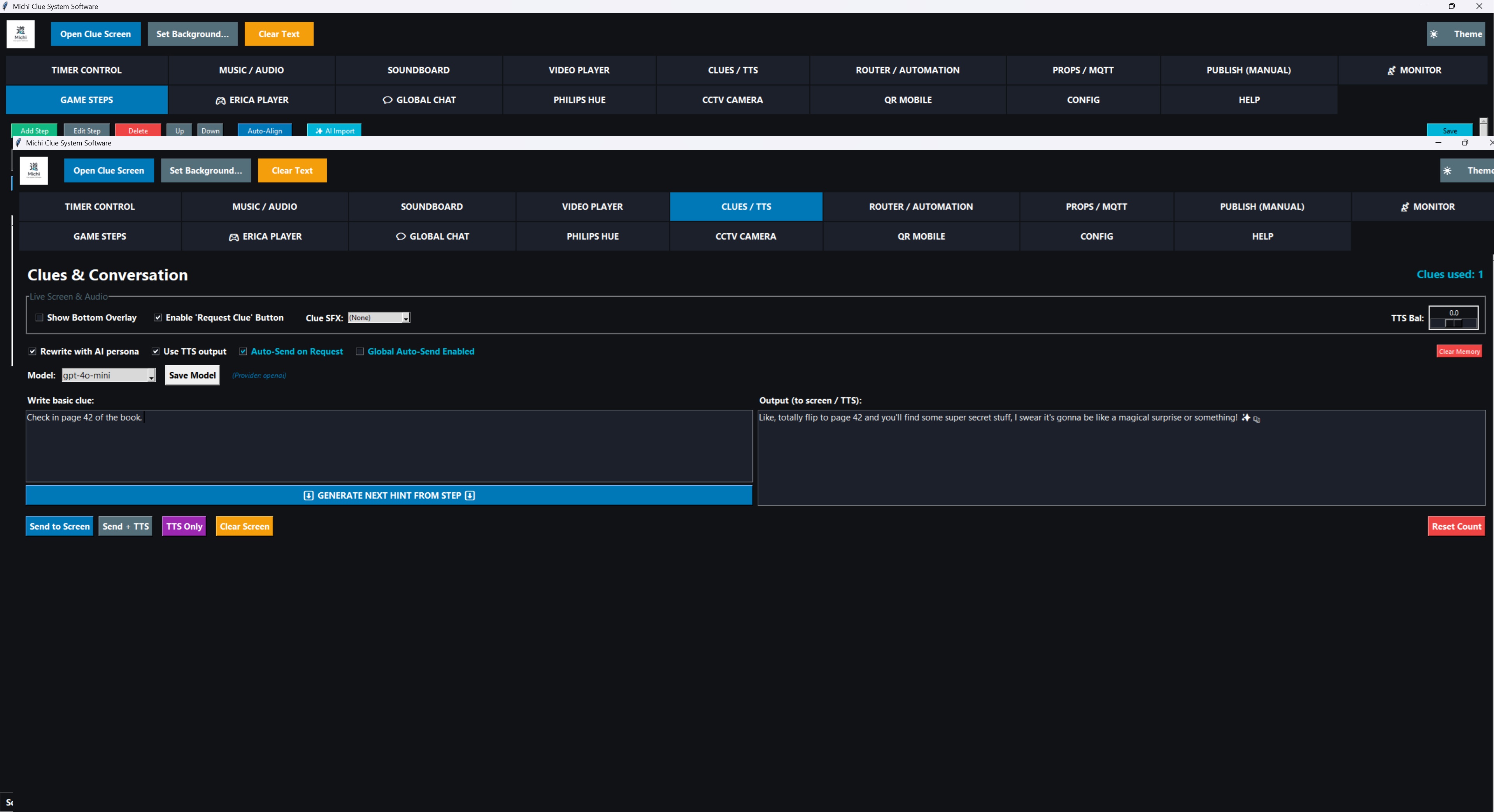
Michi Clue Command Centre dashboard
Philips Hue lighting and audio control
02 / Lights & audio

Cinematic, without the scripting.

Professional audio cross-fading and automated track management. Link custom Philips Hue effects directly to sound triggers — when the moment lands, the room reacts instantly.

Scene sequences, tempo-matched cues, and automation rules. Everything lines up without writing a line of code.

03 / Spatial monitoring

See the room on the camera.

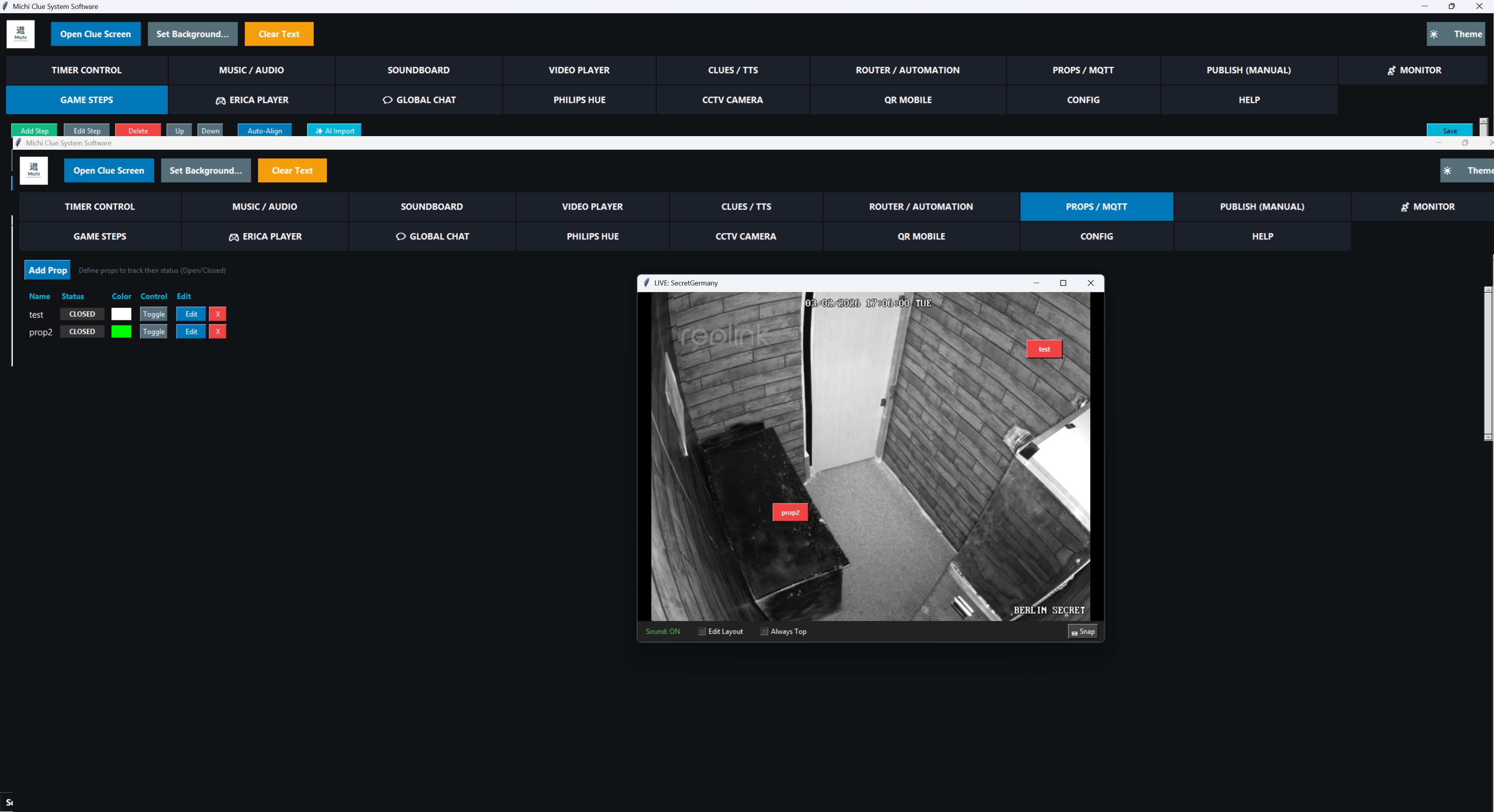
Drag-and-drop prop status indicators directly onto RTSP camera feeds. Watch each prop’s state live, exactly where it sits in the room, at a glance.

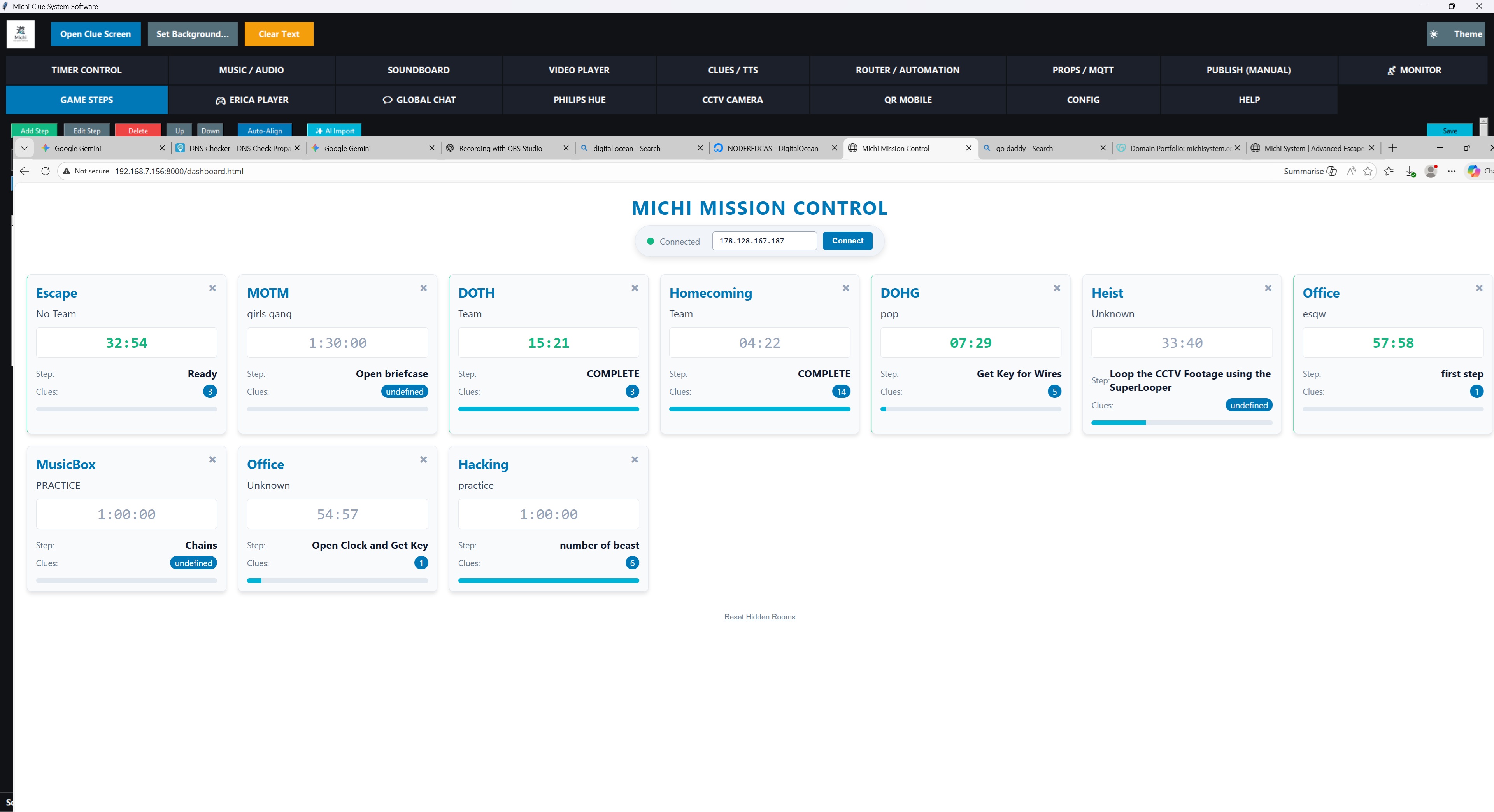
Pair with Mission Control Mobile to monitor every active game across your facility, from your phone.

Spatial monitoring with RTSP and MQTT overlays
02 — Setup

Setting up your venue.

A quick guide to getting the Michi Client App running on your local network.

The Avatar Bridge

The heartbeat of your local room.

An app that runs on any PC or Pi and acts as your in-room avatar, clue screen, and prop relay — all in one. Deploys in minutes, runs quietly in the background.

  • Simple Python-based deployment
  • Local network encryption
  • Auto-reconnect for reliable uptime
  • Works offline once configured
Trial · Two months free

Ready to see it in your room?

No card details, no commitment, no hard sell. We’ll send the files and a trial key within 24 hours.

Request Trial →